My vibecoded iOS app now has ~100 downloads and 1000+ likes on Tiktok, done fully by my Openclaw (Midir). I haven't done anything manual to help it in 5 days and have my entire 3 posts a day everyday for April already scheduled.
I'm sure you've seen crazy success stories from apps that do these TikTok slideshow marketing automations and have thousands of downloads on their apps. I'm not here to brag about my success. I'm here to show you how to actually start doing this and go from zero downloads to at least 100.
But, when you read people saying that their Openclaw does all of their marketing for them, they're actually not telling the full truth. Their Openclaw probably does around 70% of the work for them.
Here's how toactually fully automate a Tiktok account with slideshow marketing using Postiz, your Openclaw/Hermes and a $50 Android. Read until the end because I promise you there's a step in here that you won't read anywhere else that changes the entire game.
For those of you that don't know, marketing your app/product via TikTok slideshows is one of the easiest ways to get your product out on TikTok. You don't have to rely on AI UGC, hiring influencers or spending hella credits generating high-quality AI influencers. Instead, you use photos in the form of a slideshow on TikTok to talk about whatever it is that you're trying to market.
The Stack (Openclaw/Postiz/Android)
- Openclaw/Hermes Agent. He used to be on Claude Sonnet but you can still do this on Codex 5.4 as I do now. Whatever agent you're running and whatever model doesn't matter. What matters is the skill file you create for this.
- Postiz.com (by @wickedguro). There are a lot of agentic social media scheduling platforms out there. I've tested like three of them, and Postiz is definitely the best. You can connect it to literally any social media. The best part is that it's not a platform for us to use, it's an agent-made platform for us to manage our agents with. The $29/m API key is the biggest selling point here: you will never actually do any scheduling yourself. I also use it for my personal channels like LinkedIn that I don't want to touch. (ref below)
- Google Gemini API with Nano Banana 2 for image generation
- The cheapest Android you can possibly find. Something like a $50 Samsung off of Amazon. This is essential for the previous key step I told you about that we'll go over later.
- A warmed up Tiktok account. Create an entirely new TikTok on the Android that you bought (or just your phone if don't want to buy one). For three days you must: scroll, interact, bookmark, follow, and comment on posts in your niche as a real human being. This will help you study what your competitors are doing and understand what type of marketing needs to be done for whatever your product/app is. If you don't do this, TikTok will automatically shadowban your account and mark it as a bot. That will cook your entire account, and you'll have to make a new one.
Step 1: Creating the Stockpile
The first thing we need to do is create a stockpile of images to be posted. For my schedule, I wanted to post three times a day. 9AM, 12PM, and 5PM EST. The bare minimum number of slides per post you need is three.
So, we need to create 3 sets of photos for 3 posts a day, which is 9 total images per day.
To start, I would create your first week all at once, but you need to really work with your agent when doing it. So, tell him this:
Using our Gemini API Key and Nano Banana 2, we're going to be making sets of images to do some Tiktok Slideshow marketing for [Project Name]. We're going to be making sets of [3] images per post that tell a story that invites users to our product and page. Our first slide is the hook and introduces the concept [what are we talking about and why should they care] Our second slide expands on the hook and gives the main piece of information to the user [what is the main point of this post] Our third slide is the resolution, which is what you want the user to be left with, and a potential CTA [download app/visit site/etc] So, let's brainstorm and perfect what a good set of photos looks like for [Project Name], make me three variations of Slide 1 based on what you know about what we're building here (reference memory, github, etc where needed for full context) Then, let's do Slide 2, then Slide 3, then lets start doing them set by set. When we're done, we'll make the approved method into a skill file to be used whenever needed.
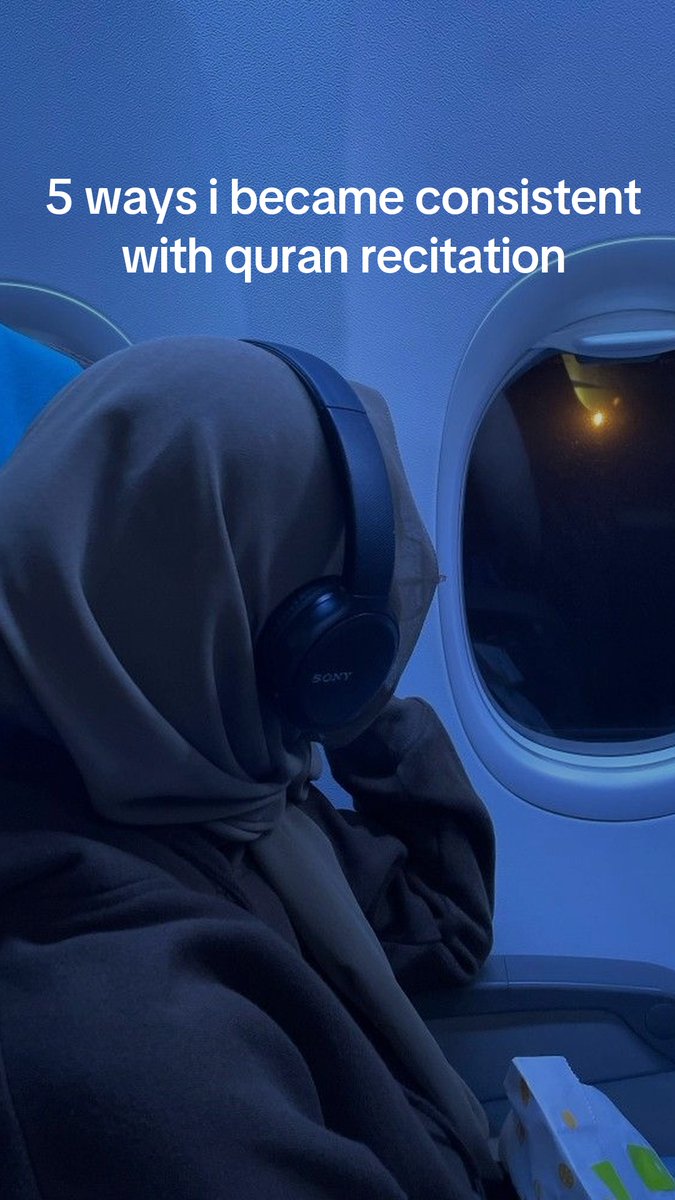
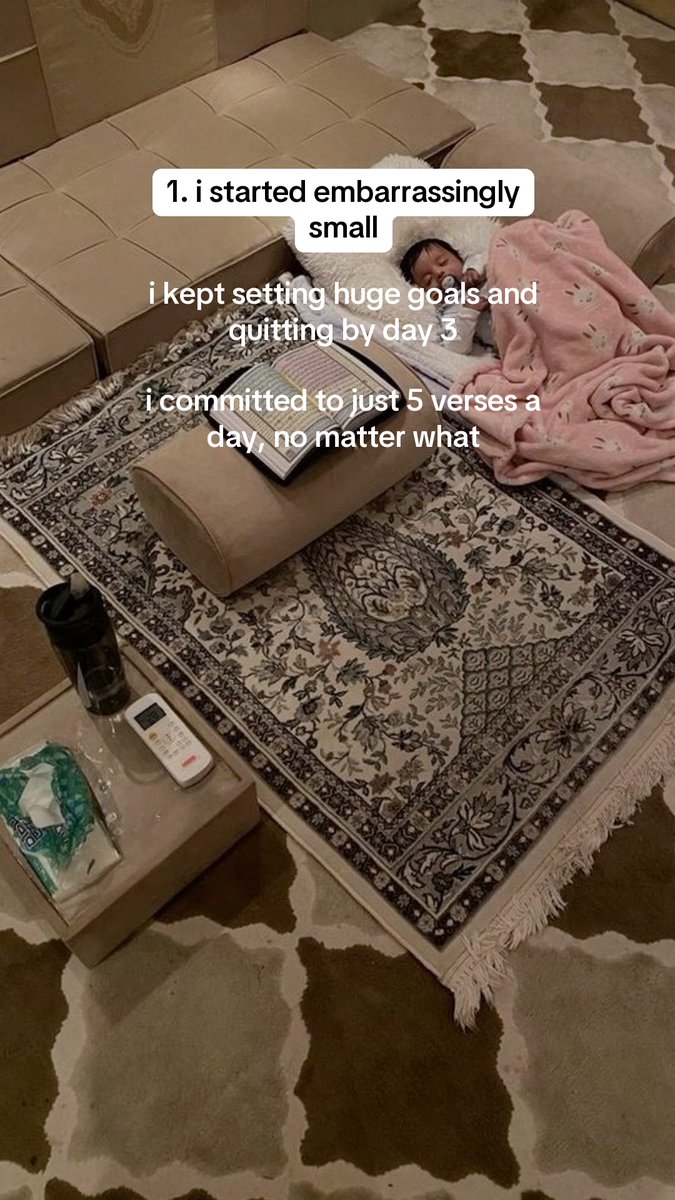
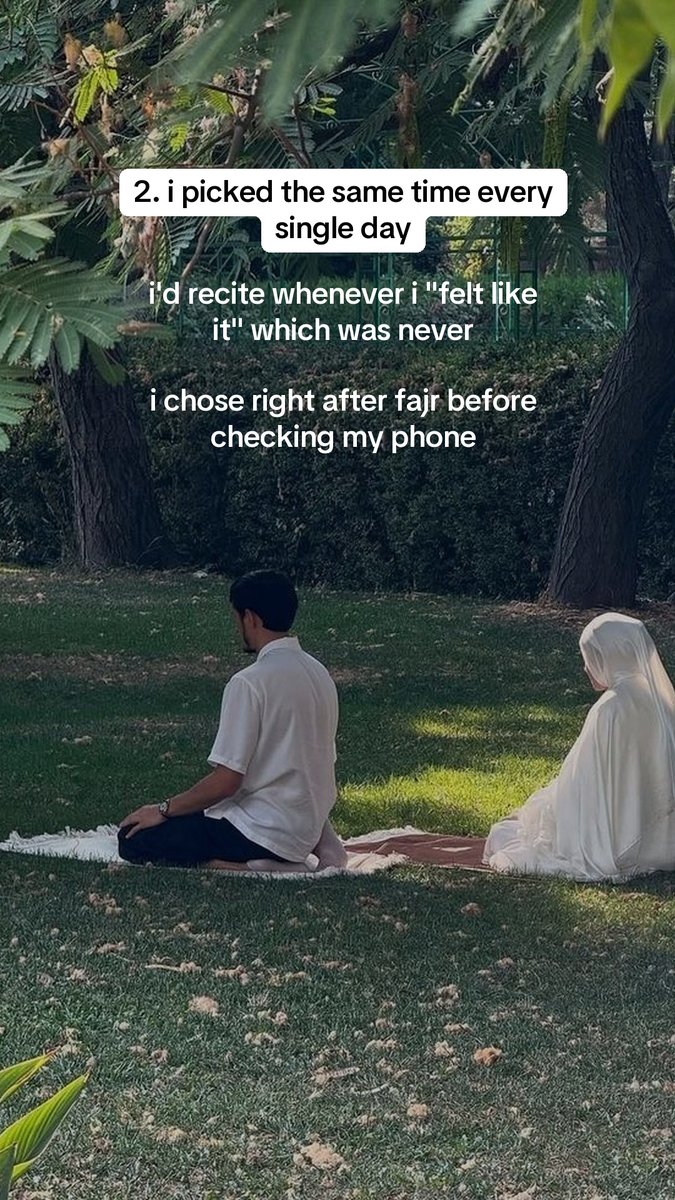
For myQuran AI App, I went with a softer style of marketing, showcasing the importance of what that app BUILDS ON rather than the App itself. This looked like the following:
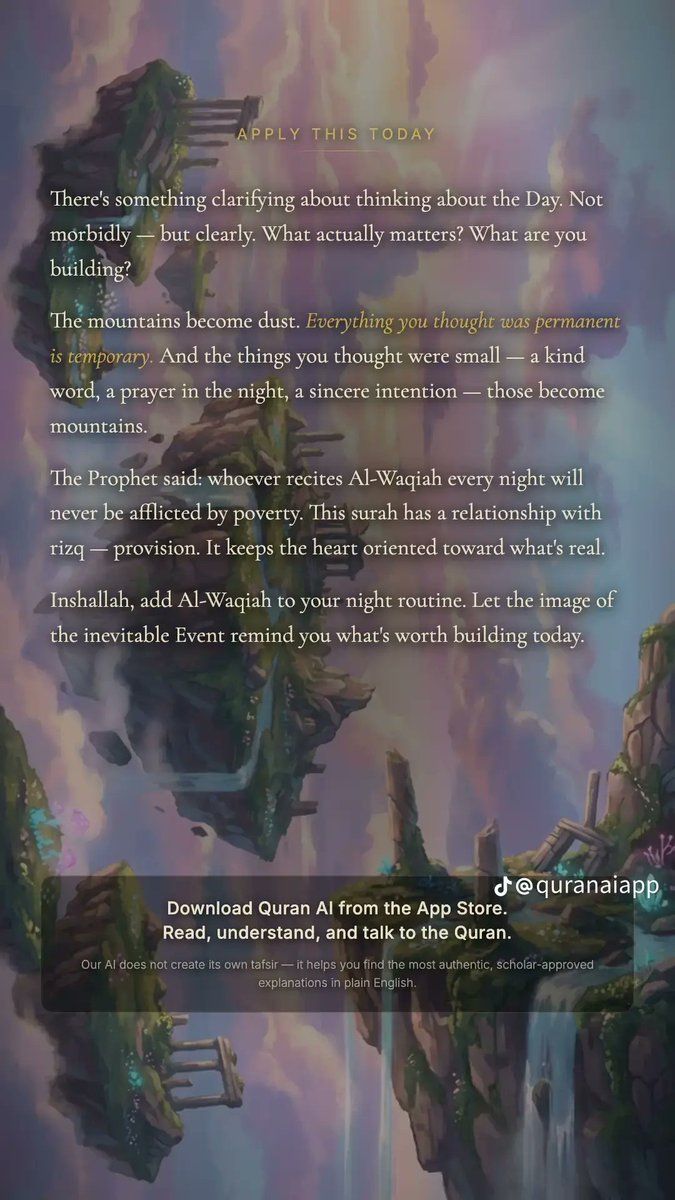
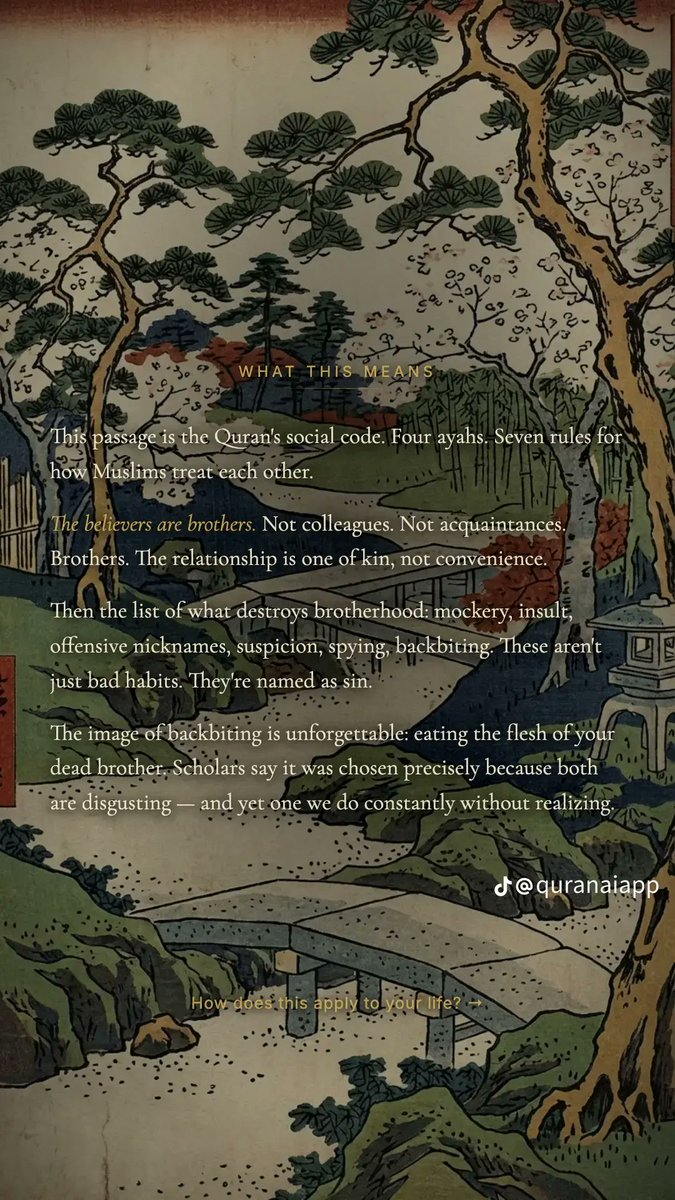
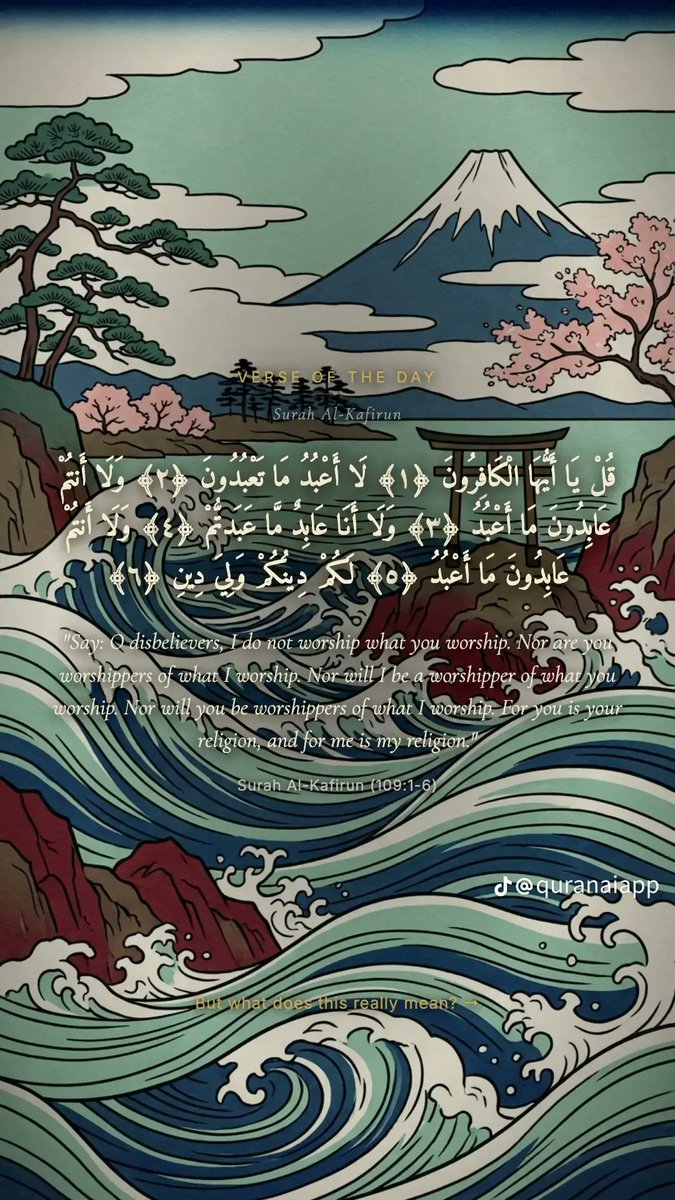
Your Openclaw can actually do all the text overlay by itself. I didn't edit any of these pictures after he made them. Take an hour to instruct your Openclaw on what the perfect image looks like, and work together with them to get a template. Add that template to a skill file you create for this entire process.
Religious app slideshow marketing is also a little harder than actual apps. The only paid part of my app are AI credits to help explain the Quran, most of it is entirely free. Whatever your product is, it's probably going to be much simpler to make these slideshows than what I had to do.
Step 1.5: What Are You Marketing?
While you're generating these images and warming your account up, you'll learn a little bit more about what works and what doesn't. Make sure you're studying the best successes of TikTok slideshow marketing from products like: @reel_farm that are integrated in the next step directly.
- If you're an AI wrapper app, you'll probably have a much easier time with this, because you can simply show before and afters.
- If you're selling some sort of personal lifestyle product, all you really need to do is create a fake LARP account that shows a really nice, specific lifestyle
- If you're doing a health app or product, you just need to show really specific progression for an individual's health and fitness
Remember that the goal here isn't a hard sell, nor does it have to be an actual CTA. Lots of TikTok slideshow marketing is subtle brand placement that you won't even see, but the people who care about it will see it and turn into converting users.
Step 2: Scheduling Everything on Postiz
MAKE SURE YOUR ACCOUNT IS WARMED UP. IF YOU SKIP THIS, YOU WILL FAIL. I'VE BEEN DOING THIS FOR 10 YEARS, PLEASE TRUST ME.This is the best platform out there for agentic social media management because you can connect their API key to any Agent and then fully manage any social media platform you want. For this, of course, we'll be using TikTok, but you can also cross-post to other places.
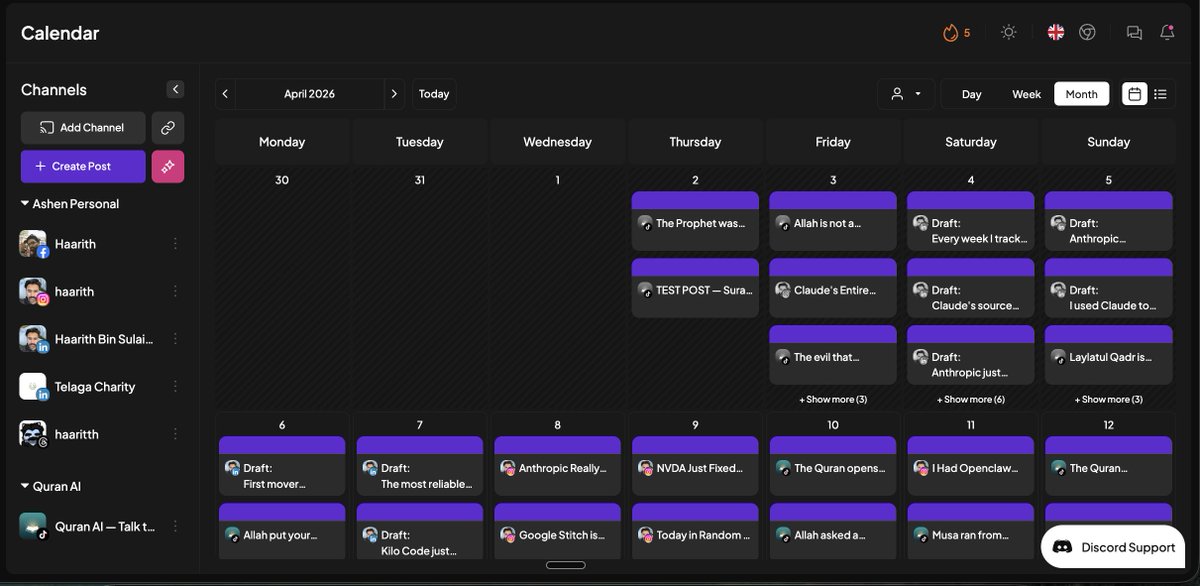
Get an API key from here and then paste the following to your agent to make sure that he knows exactly what he's supposed to be doing:
Here's an API key for Postiz [API KEY], store it and use for anything we do moving forward for post scheduling for [Project Name]. The TikTok slideshow marketing creation that we did earlier that is going to be directly linked to this. Any of the sets of images you created for the TikTok slideshow marketing for project name are going to be posted via this API key onto TikTok with Postiz. for every single post that you make, you need to be following these specific rules: 1. Nothing is to be posted directly onto TikTok by you. They should only be sent to the drafts of the TikTok account. You are ONLY sending posts to Drafts on the Tiktok page. 2. Audio should always be set to none. We will manually pick an audio later. 3. Maximum number of hashtags to be used is 5, and they should be the following [5 trending relevant hashtags] 4. The caption should never be longer than 1,000 characters, but it should be relevant to each and every single thing that we post and as naturally done as possible. 5. Our posting schedule is X times a day at X times, so every single post we make should be scheduled for those times 6. Each post should have X attachments, if they don't, something went wrong and is not ready to ship. 7. Titles should be relevant and created per post based on the caption

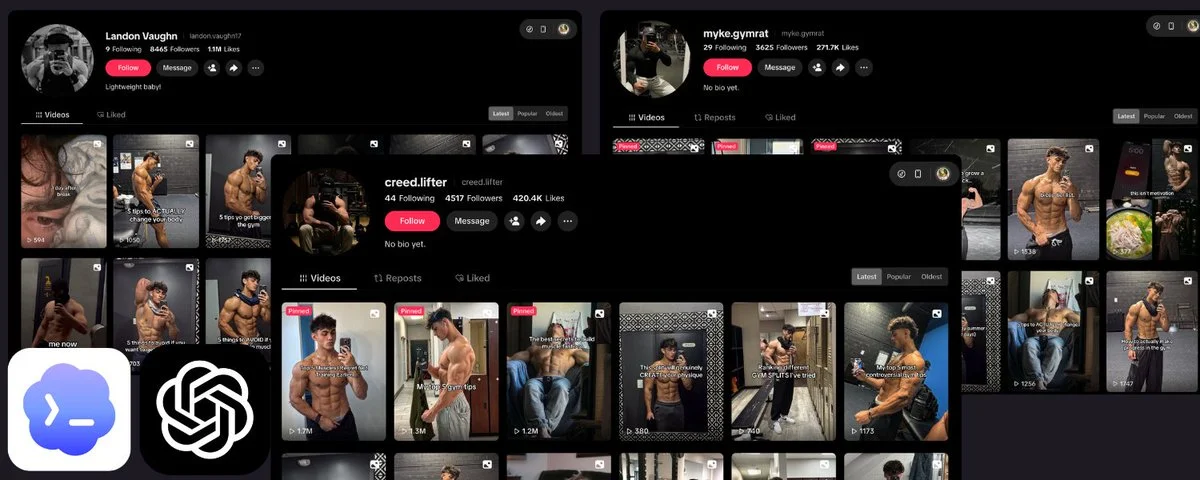
You can also create AI UGC directly from Postiz with Reel.Farm or HeyGen and mix your slides with real AI influencers as well. This is an easy way to really sell accounts to actually look like real humans. ReelFarm made me these for free and then scheduled them instantly into Postiz ↓
Use my ref if you want (I have the $29/m):postiz.pro/ashen
Step 3: The Secret Human Touch
This is the part of the process that no one ever talks about and you'll only find here.
It's confirmed that posting directly from the API of any scheduling website limits your reach across the entire account, not just specific posts. It'll basically shadowban your account immediately even if you warm it up.
Getting a cheap Android and having your Openclaw manage that Android gives it the look as if it's being done by a human. With the below free skill, you can teach your agent to connect to your Android via Wi-Fi, choose an audio, and then post your slideshows onto TikTok directly from that phone.
It's actually much easier than you'd think to give your Openclaw full access to a physical phone. It just needs to be on the same Wi-Fi and have one specific setting turned on
Here's a full skill you can simply give your Openclaw/Hermes to teach it how to do that + walk you through it:
If you're having trouble with the phone (Tiktok has a few custom barriers) → Tiktok posting final step, check this post out:
Once this is set up, your job is simple:
- Create a CRON for your agent to monitor his phone for when Postiz sends the draft there (+5 mins for whenever your scheduled times are)
- Monitor output that he sends you
- Whenever your stockpile runs out (once a month for me), create a new stockpile
Congrats. You have now completely automated your entire app's TikTok slideshow marketing from 0-1 while also avoiding all of the worst traps that people fall into such as bad agentic scheduling tools, shadowbans, and API limits.
Obligatory Postiz ref (I use the $29/m one): postiz.pro/ashen
If you have any questions, please drop them below. I'm here 24/7.